








































































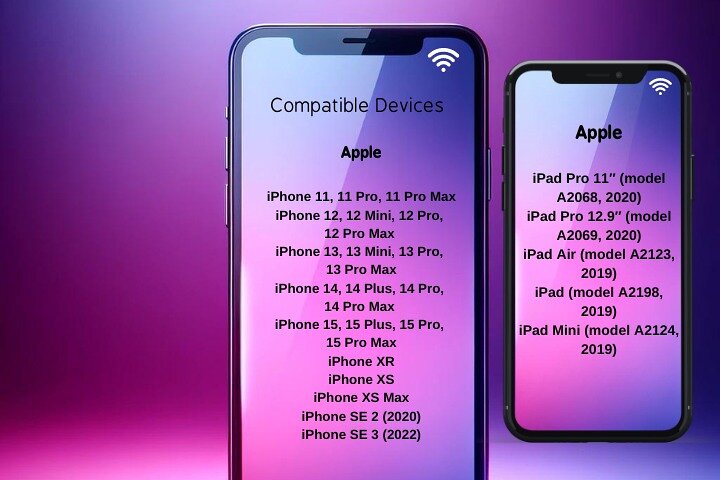
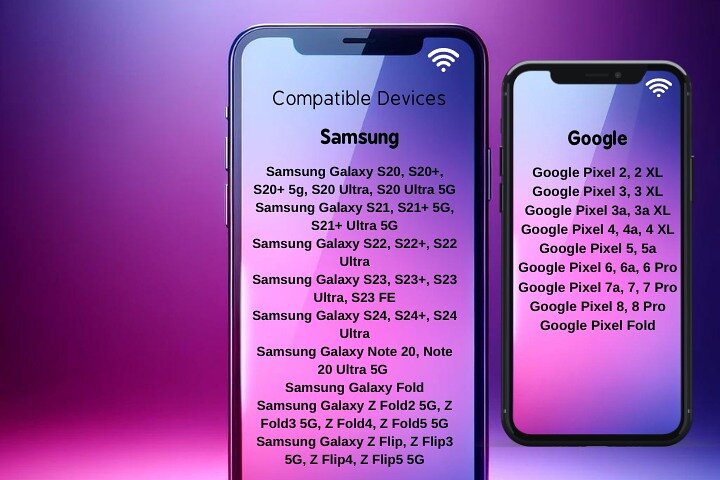
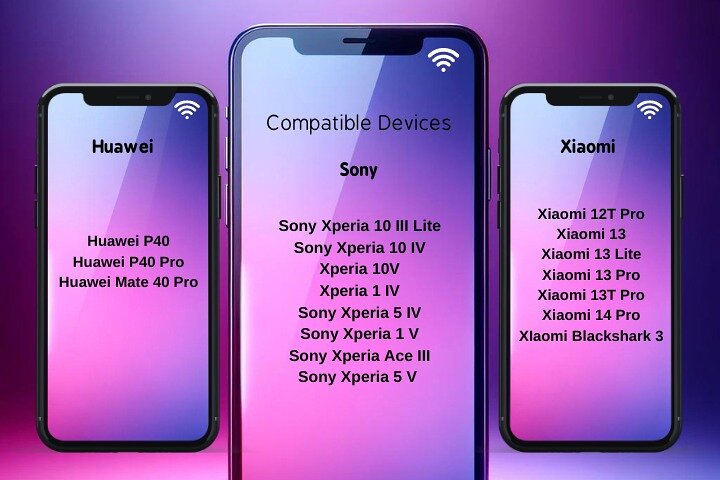
Staying connected while travelling makes it easier to navigate, communicate and access essential services. With this eSIM data plan for Spain, you can enjoy mobile internet from the moment you arrive without replacing your physical SIM card.
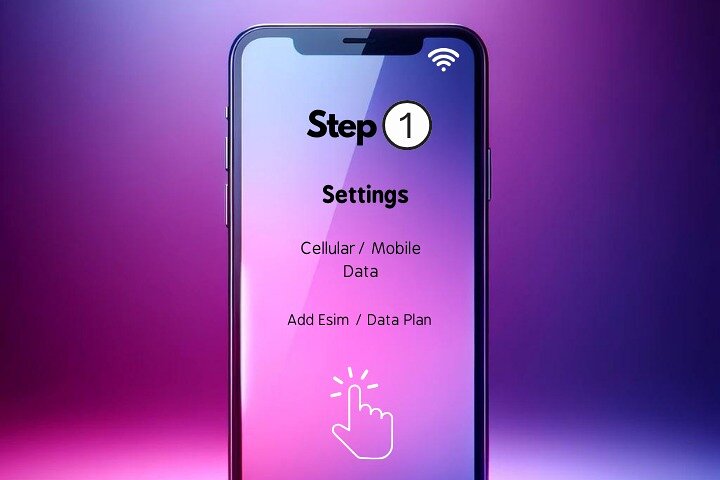
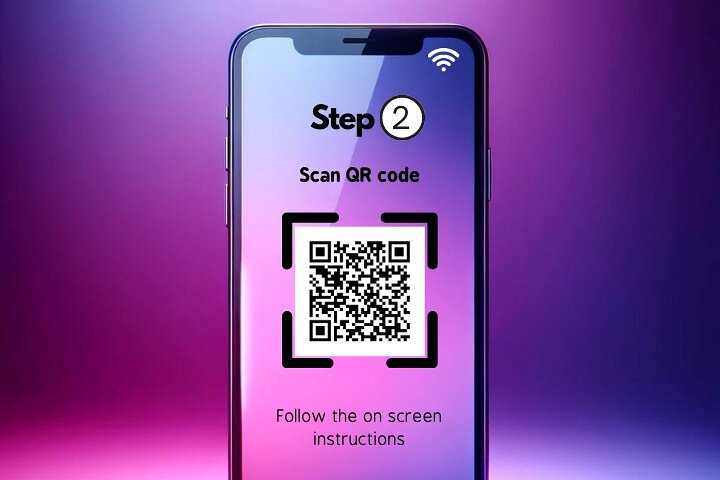
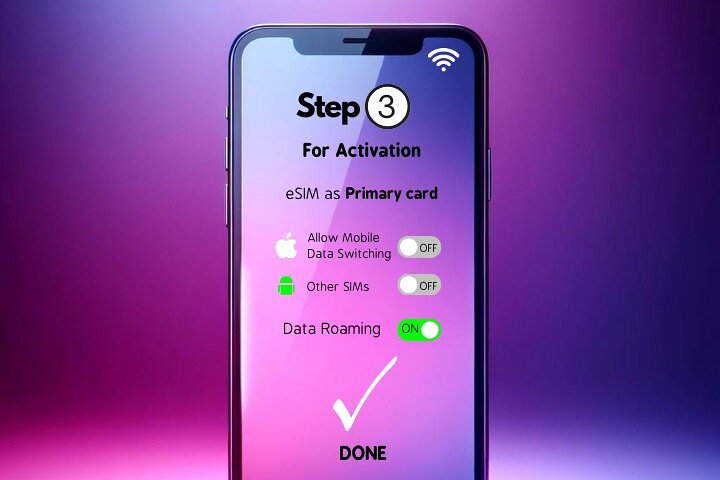
The eSIM is delivered by email before your booking start date and can be installed digitally by following a simple step-by-step guide. Activation requires scanning a QR code, setting the eSIM as your primary data line and enabling data roaming.
Different data packages and durations are available to suit your travel needs, including both unlimited and limited data options. Technical support is provided during the installation process to assist with activation.
This solution removes the need to purchase physical SIM cards or rely on public WiFi networks, offering a practical way to stay connected throughout your trip.
Having continuous access to the internet provides greater convenience and flexibility while exploring Spain.